Headshot for multiple industries: a practical guide
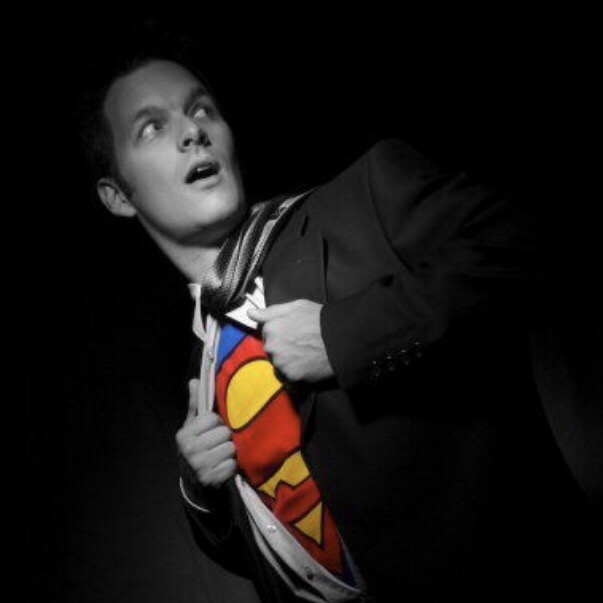
TL;DR:
A versatile headshot collection tailored to various industries enhances your professional image across platforms.
Preparations include planning multiple wardrobe looks, practicing expressions, and understanding platform-specific framing and lighting.
A headshot for multiple industries is a versatile set of professional photos tailored to different sector expectations, giving you the right image for every professional context. LinkedIn profiles with headshots receive up to 14 times more views than those without. That number alone tells you how much a great photo matters. This guide walks you through exactly how to plan, shoot, and repurpose headshots that work across finance, tech, healthcare, creative fields, and beyond, so your personal brand stays sharp no matter where you show up.
What industry-specific expectations shape a professional headshot?
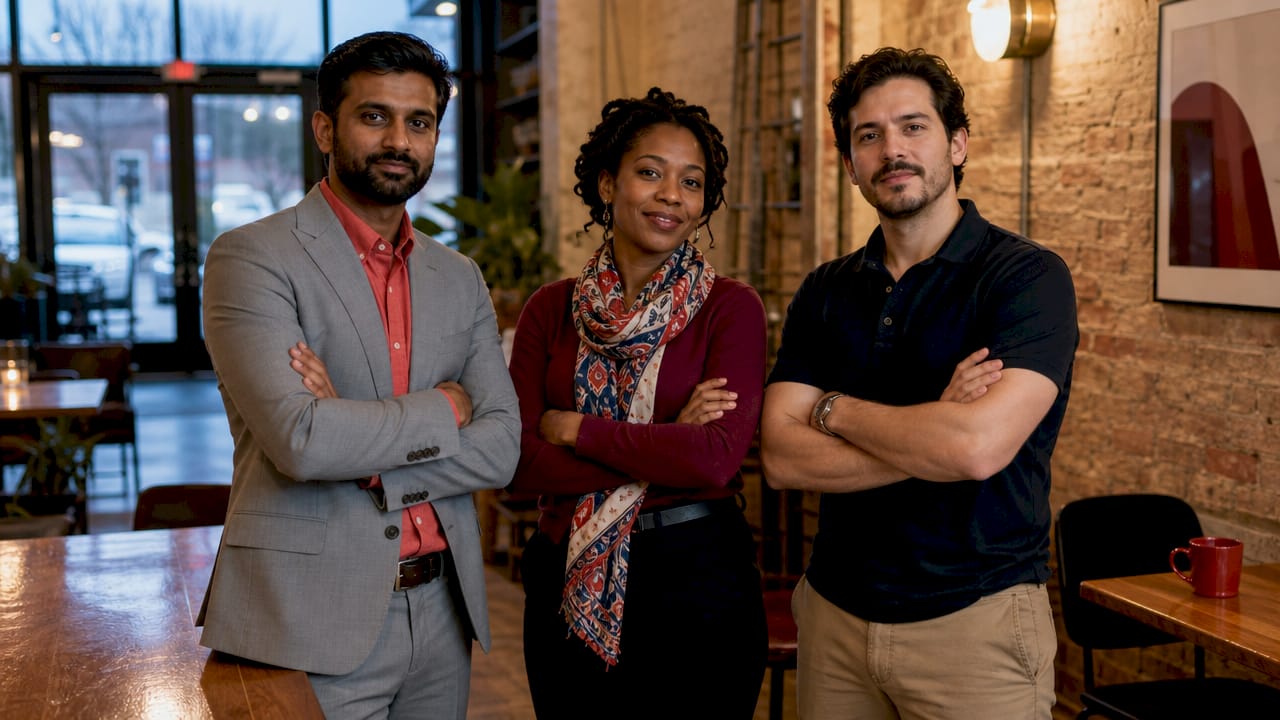
The headshot for multiple industries concept works because different sectors carry distinct visual codes. A corporate lawyer and a UX designer both need professional photos, but the signals those photos send are worlds apart. Understanding those differences before you book a session saves you from showing up with the wrong look entirely.
Here is how expectations break down across common sectors:
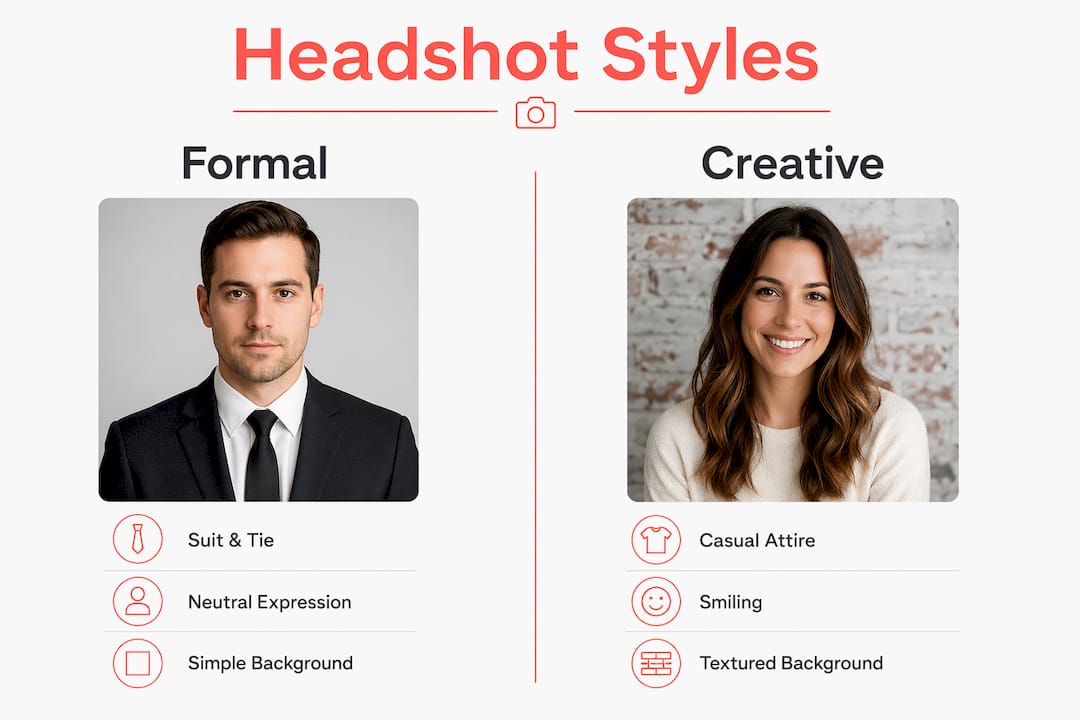
Finance and legal: Clean, formal attire (suits, blazers), neutral or dark backgrounds, composed expressions. The goal is authority and trustworthiness.
Healthcare: Approachable and warm expressions, scrubs or professional attire depending on role, soft neutral backgrounds that feel calm rather than corporate.
Creative industries: More personality is welcome. Slightly relaxed poses, expressive smiles, and backgrounds with subtle texture or colour can work well.
Technology and startups: Business casual is the norm. Open collars, relaxed but confident posture, and clean modern backgrounds signal approachability without sacrificing credibility.
Sales and consulting: Warm, direct eye contact and a confident smile. These photos need to say “I am someone you want to work with” immediately.
Education: Friendly and open expressions, smart casual attire, and bright or neutral settings that feel welcoming rather than intimidating.
The real levers are wardrobe formality, expression, lighting quality, and background choice. Varied wardrobe and expression choices during a single session help professionals present the right tone to diverse industries, increasing the overall utility of every photo you walk away with.
Pro Tip: Before your shoot, spend 20 minutes on LinkedIn searching your target industry. Look at the headshots of people two levels above where you want to be. That is your visual benchmark.
How to prepare for a multi-industry headshot session
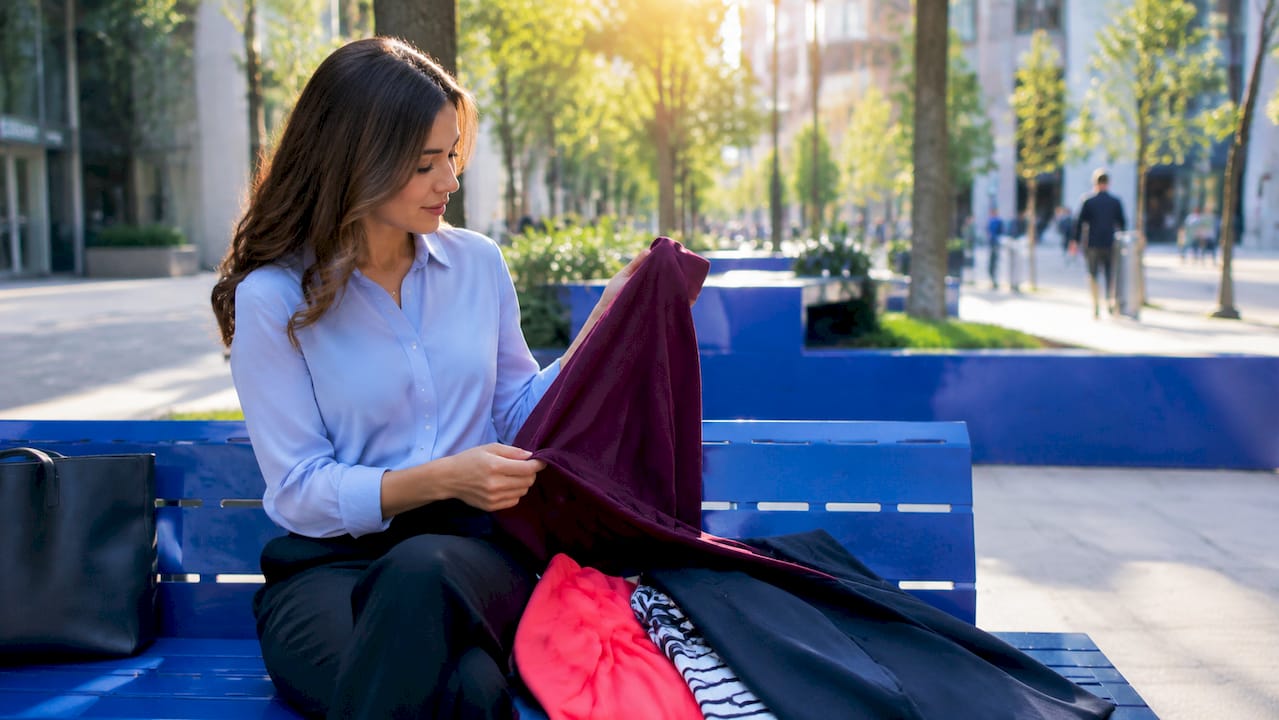
Preparation is where most people either win or lose the session before the camera even fires. The good news is that one session can yield multiple variants with different wardrobe and expression options, giving you a small library of photos rather than a single shot you have to make work everywhere. Here is how to set yourself up for that outcome.
Plan two to three wardrobe looks. Cover the range from formal (blazer or suit jacket) to business casual (open collar, smart top) to creative casual if relevant to your field. Each outfit change takes roughly five minutes, so this is entirely achievable in a standard session.
Practise your expressions beforehand. Stand in front of a mirror and find your confident neutral, your warm smile, and your direct-eye-contact look. These are three distinct expressions and each serves a different industry context.
Prepare your technical checklist. If you are working with a photographer, confirm lighting setup, background options, and whether you will have access to a steamer for wrinkled clothing. If you are using a DIY approach, set up a continuous light source at eye level and shoot tethered to a laptop so you can review frames in real time.
Organise your outfit changes efficiently. Hang each look in order, labelled by industry target. This keeps the session moving and prevents the mental scramble of deciding what to wear next mid-shoot.
Decide on your tools. A professional photographer gives you guided direction and real energy in the room. AI headshot generators offer a quick, affordable option but can lack authentic personality and sometimes carry subtle unnatural qualities. For a multi-industry library, a real session with a skilled photographer is the stronger investment.
Pro Tip: Pack a small kit: lint roller, clear deodorant, a neutral lip colour, and a comb. These five minutes of grooming before each outfit change make a visible difference in the final photos.
Check out this step-by-step session guide from Itsjeffb for a detailed walkthrough of what to expect on shoot day.
What shooting techniques make headshots work across platforms?
Execution during the shoot determines whether your photos hold up on LinkedIn, your company website, a conference bio page, and a printed resume simultaneously. The technical decisions you make in the moment either open or close those doors.
Framing is the first priority. LinkedIn’s circular crop means your face and key features must be centred, with your face filling approximately 60% of the frame to remain legible at smaller display sizes like profile icons and comment threads. Shoot a medium close-up from roughly mid-chest to just above the top of the head. This gives you cropping flexibility in post without losing the face.
Lighting should flatter without creating drama. A single large softbox or window light positioned at a 45-degree angle to your face produces clean, even illumination that reads as professional across every industry. Avoid harsh overhead lighting, which creates unflattering shadows under the eyes, and avoid ring lights placed directly in front of the face, which flatten features and look distinctly amateur on a business profile.
Here is a quick reference for the most common technical decisions:
Element | Recommended approach | Why it matters |
Frame composition | Mid-chest to above head, face centred | Survives platform cropping on LinkedIn, websites, and apps |
Face coverage | ~60% of the frame | Readable at small icon sizes and in comment threads |
Lighting angle | 45-degree softbox or window light | Flattering across skin tones, avoids harsh shadows |
Resolution | 800×800 pixels or larger | Prevents softness after platform compression |
File format | JPG or PNG, max 8 MB for LinkedIn | Meets platform upload requirements without quality loss |
Capture multiple expressions and slight pose variations within each wardrobe look. A small shift in chin angle or shoulder position reads very differently on screen. Shoot more than you think you need. You can always edit down, but you cannot go back and capture a frame you missed.
Avoid over-retouching. Smoothing skin to the point where texture disappears looks unnatural and undermines trust, particularly in industries like finance and law where authenticity is part of the brand. Light colour correction and sharpening are enough.
For more on getting the most from your shoot, the best professional headshots tips guide from Itsjeffb covers current best practices in detail.
How do you select, edit, and repurpose headshots for different industries?
Walking away from a session with 200 raw frames is exciting and slightly overwhelming. The selection process is where your multi-industry strategy either comes together or falls apart. Approach it with a clear system and you will have a working photo library within a day.
Review all shots with industry tone in mind. Sort your selects into folders by wardrobe look first, then by expression. Ask yourself: does this photo fit the visual code of the industry I am targeting with this look? A warm smile in a blazer might work for consulting but feel too casual for a senior legal profile.
Edit your best picks for consistency. Apply the same colour grading and sharpening preset across all final selections. Consistency across your photos signals that your personal brand is cohesive, even when the wardrobe changes.
Export multiple sizes for different platforms. Exporting for varied sizes post-shoot preserves sharpness and alignment with platform-specific cropping rules. Create a LinkedIn-ready square at 800×800 pixels, a wider crop for website bios, and a high-resolution version for print or press use.
Name and organise your files clearly. A simple naming convention like “Firstname_Lastname_Finance_Formal_01.jpg” saves you from hunting through folders when you need a specific photo quickly. This matters more than it sounds when you are updating six different platforms at once.
Having multiple options to choose from means you can match the photo to the role and platform rather than forcing one image to do every job.
Pro Tip: Schedule a headshot refresh every one to two years, or sooner if your role, industry focus, or appearance changes significantly. An outdated photo creates a disconnect when people meet you in person, and that first impression gap is hard to recover from.
The people headshots guide at Itsjeffb is a great resource for understanding how to tailor your final selections to different professional contexts.
Key takeaways
A single well-planned headshot session can produce a complete visual library that works across every industry you operate in, provided you prepare the right looks and execute with platform requirements in mind.
Point | Details |
Industry codes vary significantly | Finance and legal favour formality; creative and tech sectors welcome personality and warmth. |
One session, multiple looks | Planning two to three wardrobe changes per session gives you industry-specific variants without extra cost. |
Framing and resolution matter | Centre your face at 60% of the frame and export at 800×800 pixels or larger to stay sharp across platforms. |
Selection is a strategy | Sort final photos by industry tone and export platform-specific sizes to keep your brand consistent everywhere. |
Refresh regularly | Update your headshots every one to two years to avoid the disconnect of an outdated photo. |
What I have learned about versatility versus authenticity
Here is something I see often: professionals come in wanting one perfect photo that works everywhere. I understand the appeal. But that single photo almost always ends up being a compromise that works nowhere particularly well.
The professionals who get the most out of their sessions are the ones who arrive knowing they are building a small collection, not hunting for a single silver bullet. A finance professional who also consults for startups genuinely needs two different visual tones. That is not vanity. That is smart personal branding.
What I have also noticed is that the difference between a photo that lands and one that falls flat is rarely the wardrobe or the background. It is the expression. People underestimate how much they can control this. The warm, open smile you use for a sales profile and the composed, direct look you use for a legal bio are both authentic. They are just different facets of the same person. Practising those expressions before the session, even for ten minutes, changes the quality of what we capture together.
I am also honest with clients about AI tools. They have a place, particularly for quick updates or budget-constrained situations. But they cannot replicate the energy of a real session or the subtle confidence that comes through when someone is genuinely relaxed and guided. That quality shows up in the photo, and people feel it when they see it.
If you are a professional operating across multiple sectors, invest in a real session with someone who understands what different industries need visually. The return on that investment, in profile views, connection requests, and first impressions, is measurable and lasting.
— Jeff
Ready to build your professional photo library?
If you are based in Calgary and want headshots that actually work across the industries you operate in, Itsjeffb makes the process straightforward and stress-free.
[
Whether you need a solo session with multiple looks or consistent team headshots across your whole organisation, Jeff B Photography delivers clean, natural results that hold up on LinkedIn, your website, and every platform in between. Sessions are guided and efficient, so even if you are not comfortable in front of a camera, you will walk away with photos you are genuinely proud to use. Check out the current session pricing and book a time that works for you.
FAQ
What is a headshot for multiple industries?
A headshot for multiple industries is a set of professional photos captured in one session with varied wardrobe and expressions, designed to meet the visual expectations of different professional sectors. Rather than relying on one image everywhere, you build a small library tailored to each context.
How many outfits should I bring to a headshot session?
Two to three outfits covering formal, business casual, and creative casual is the standard recommendation. Each change takes roughly five minutes and gives you distinct photo variants without extending the session significantly.
Does LinkedIn require a specific photo size?
LinkedIn recommends a square upload starting at 400×400 pixels, with your face filling approximately 60% of the frame and a maximum file size of 8 MB in JPG or PNG format. Shooting at 800×800 pixels or larger prevents softness after platform compression.
How often should I update my professional headshot?
Updating every one to two years is the general standard, or sooner if your role, industry focus, or appearance changes noticeably. An outdated photo creates a credibility gap when people meet you in person after seeing your profile online.
Are AI headshot tools a good alternative to a professional photographer?
AI headshot generators are a practical option for quick updates on a tight budget, but real sessions provide better energy and customisation. For a multi-industry photo library where authenticity and nuance matter, a professional photographer delivers results that AI tools currently cannot replicate.
Recommended
Comments